
THE Authentic CONTENT | AUTOMATION ENGINE
THE WHOLE SYSTEM, IN ONE LINE
Say something true → extract the signal → let systems distribute → let humans connect.
A simple, usable 1–2–3 engine, while preserving the depth underneath.
This is the version creators, editors, VAs, and automation specialists can actually follow without overwhelm.
Meet Signala | Help's you build your own engine


OPTION 1: NEW OR EXISTING CONTENT
Core principle: We are not creating content. We are extracting signal.
Everything collapses into three repeatable stages.
STEP 1: ANCHOR & EXTRACT (TRUTH)
This step protects the message and the nervous system.
1. Lock the Anchor (5 minutes)
Before recording or touching any tool, answer one question:
“What is the one thing this content helps someone see, feel, or decide?”
Rules:
- One offering
- One audience
- One core message
If this is unclear, stop.
Nothing else works without this.
2. Choose the Source (New or Existing)
Option A: New raw recording
- 10–30 minutes
- Phone, webcam, or Zoom
- One topic only
- No script, hooks, or performance
Use when:
- Energy is fresh
- Message has evolved
- You want present-moment truth
Option B: Existing content (default)
- YouTube videos
- Podcasts
- Talks or workshops
- Zoom calls
- Courses
- Instagram Lives
- Voice notes (5+ min)
Rule:
If it was spoken naturally, it counts.
Reframe:
You are not repurposing.
You are mining signal from lived expression.
3. Prepare the File (2 minutes)
- Upload raw file (new), or
- Download/export existing content
- Trim only obvious dead space
- Do not polish
File name:Topic_Date_Source
Example:Aligned_Offering_May2024_Workshop.mp4
STEP 2: SHAPE & PACKAGE (CLARITY)
This step turns truth into usable assets.
File naming rule:Topic_Date_Source
Example:Aligned_Offering_May2024_Workshop.mp4
PHASE 3: FIND VIRAL MOMENTS (SIGNAL MINING)
Tool:
Opus Pro
 Lewis Howes
Agent-guided instructions:
- Upload raw or existing video
- Let Opus auto-detect moments
- Review clips manually
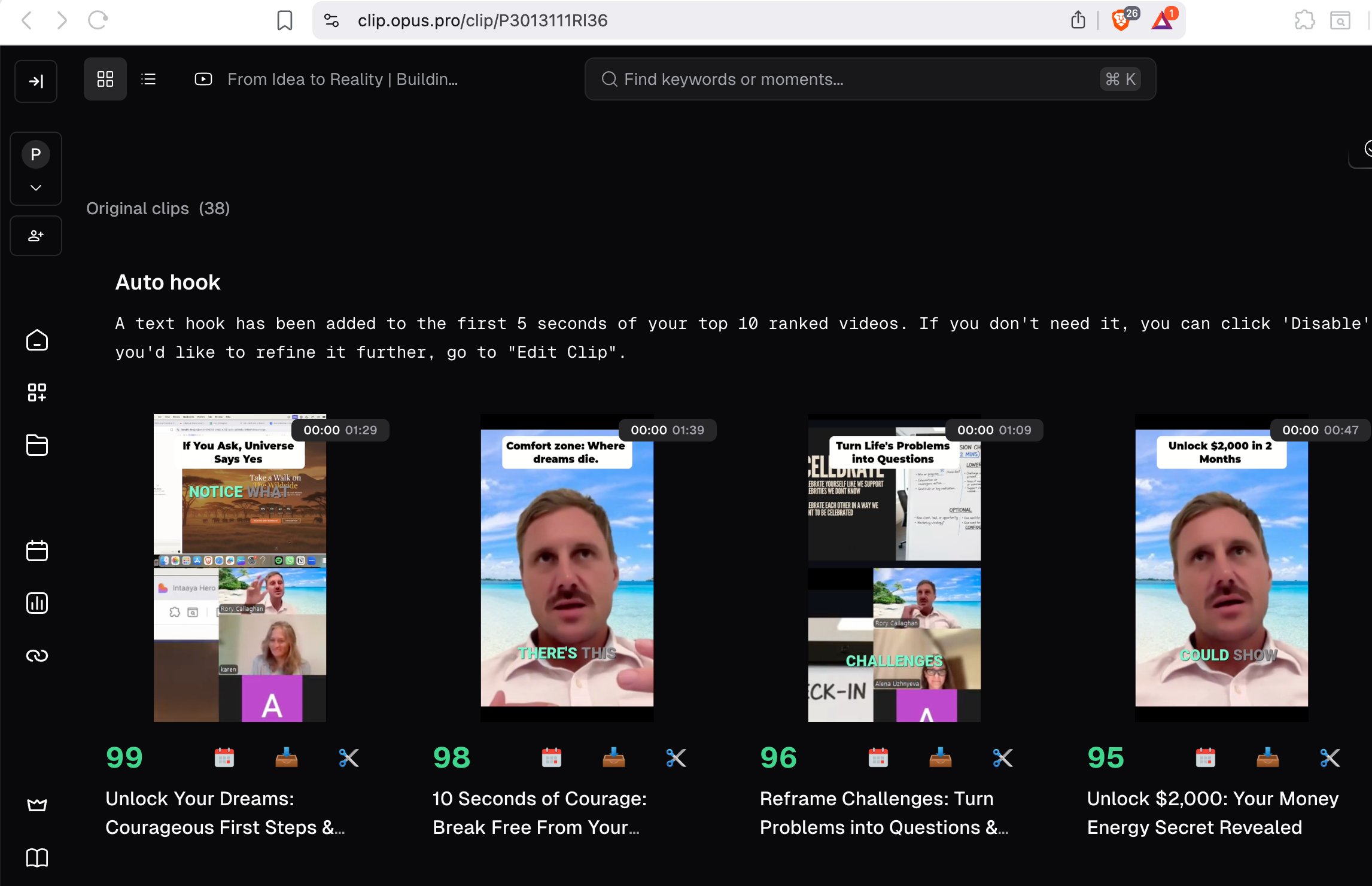
4. Extract Signal (Opus)
- Upload video
- Let AI find moments
- Manually review
Only keep clips where:
- Your voice slows or drops
- You say something unplanned
- Identity is reframed
- A belief is gently challenged
- It feels true, not impressive
Output:
- 5–20 clips
- 15–60 seconds each
Ignore:
- Loud hooks
- Performative moments
- Over-edited sections
5. Edit Simply (Choose One Path)
Path A: DIY
- Clean cuts
- Light captions
- Minimal zoom
- Silence allowed
Goal:
Clarity > polish
Tool:

Path B: Editor / AI
- Upload assets to one Google Drive
- Include Brand_Essence.txt:
- How it should feel
- Words to avoid
- Pacing preferences
- Visual style notes
B-roll rules:
- Personal first
- AI/stock only if needed
- Never generic “guru” visuals


6. Assign Each Clip a Role
Every clip must be one thing only:
- Identity reframe
- Pain normalization
- Belief shift
- Gentle insight
- Offering invitation
Mapping logic:
1 offering
→ 1 core message
→ 10–30 short videos
No random posting.
No mixed signals.
 Rory Callaghan
STEP 3: AUTOMATE & ACTIVATE (MOMENTUM)
This step removes friction and creates compound visibility.
7. Load the System (Once)
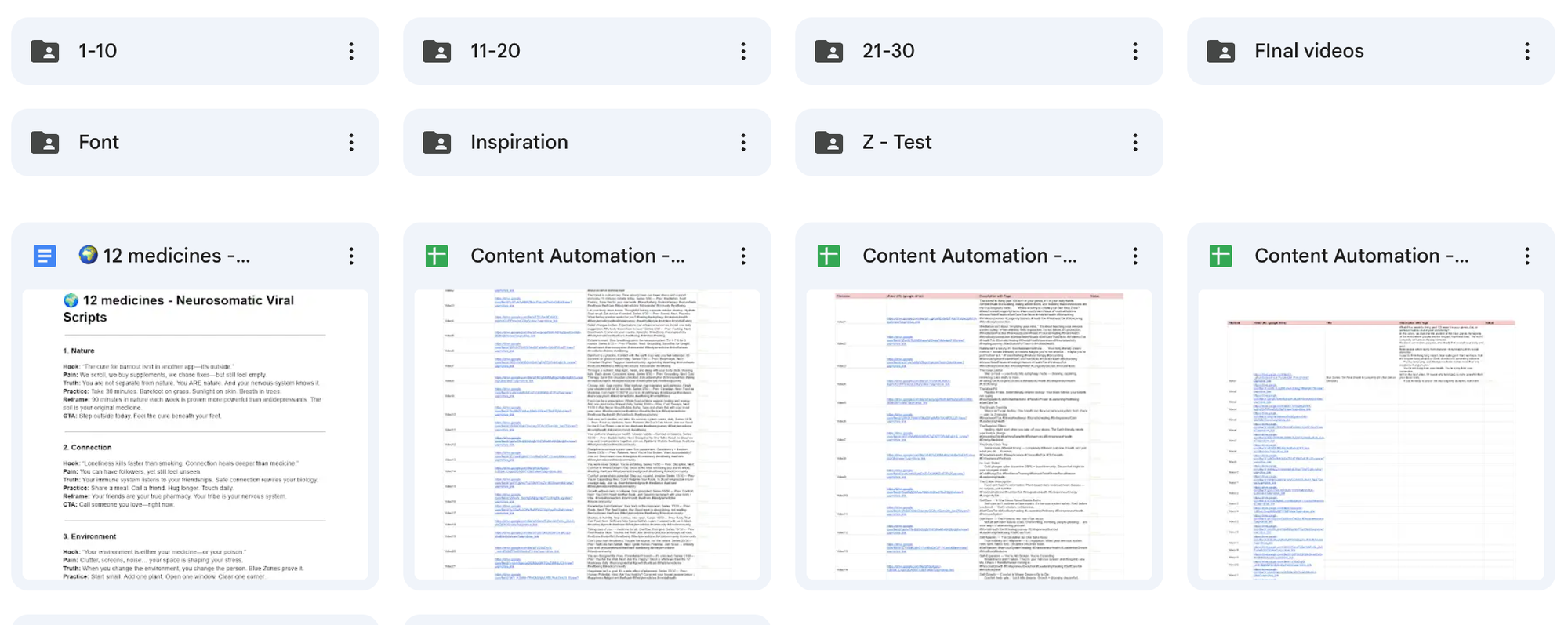
Final videos go into Google Drive.
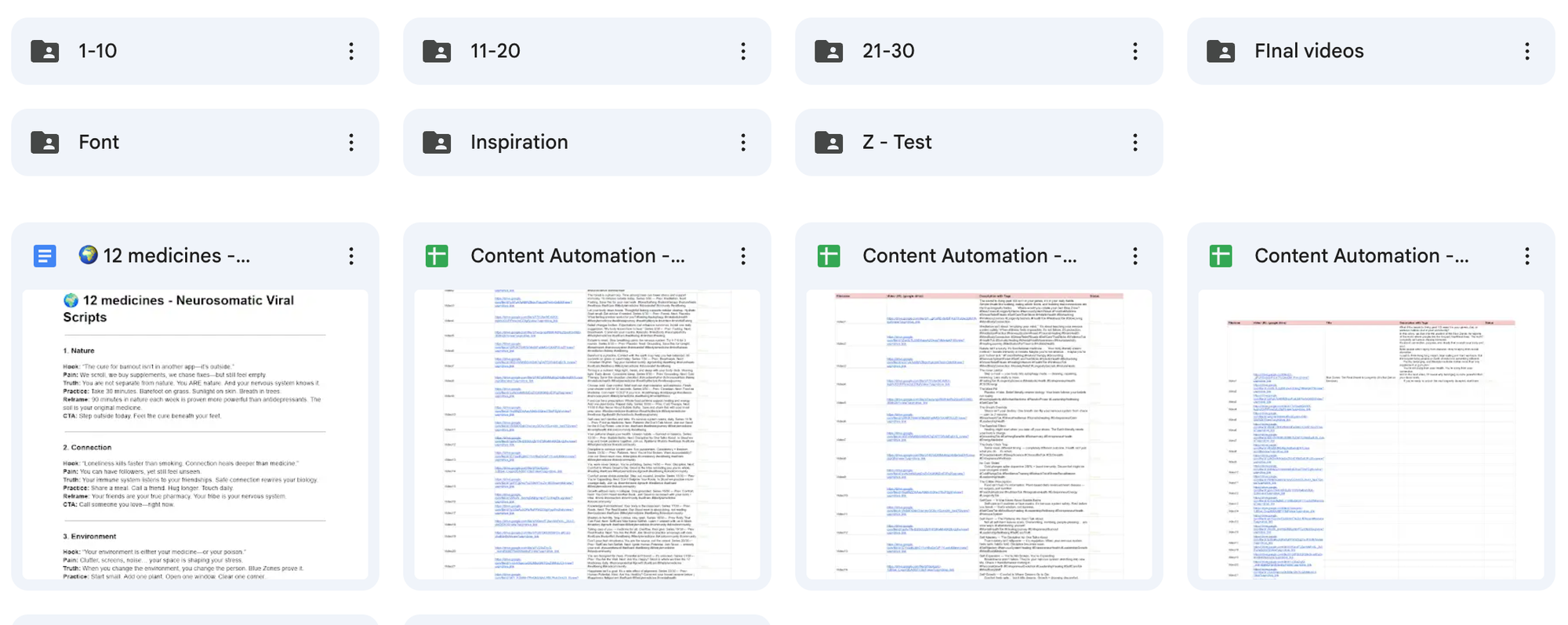
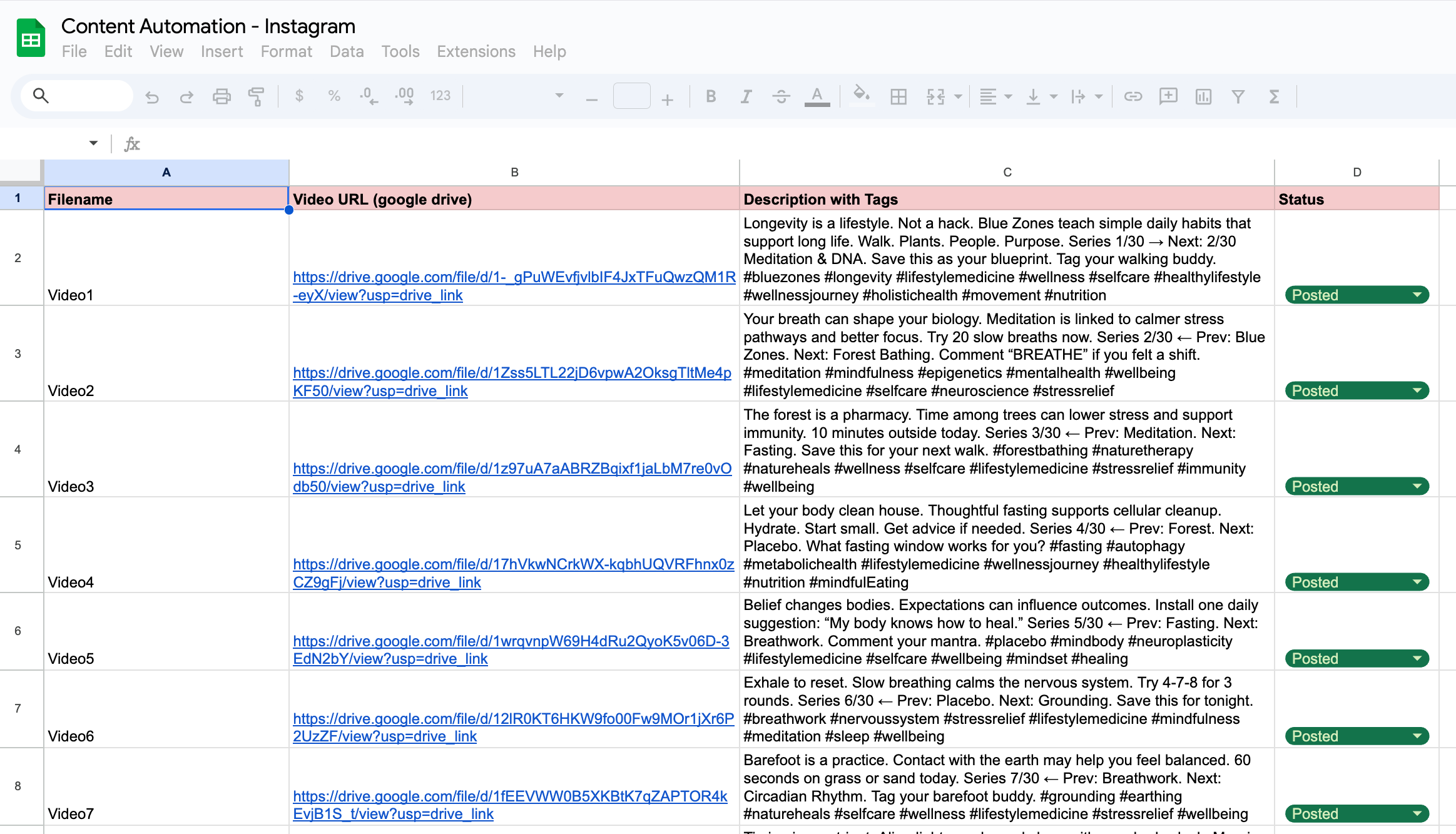
Metadata goes into one spreadsheet:
Minimum columns:
- Video file URL
- Platform
- Post order
- Caption
- CTA
- Status (Approved / Scheduled / Posted)
Spreadsheet = command center.
8. Automate Distribution
Automation stack:
- Google Drive (assets)
- Spreadsheet (logic)
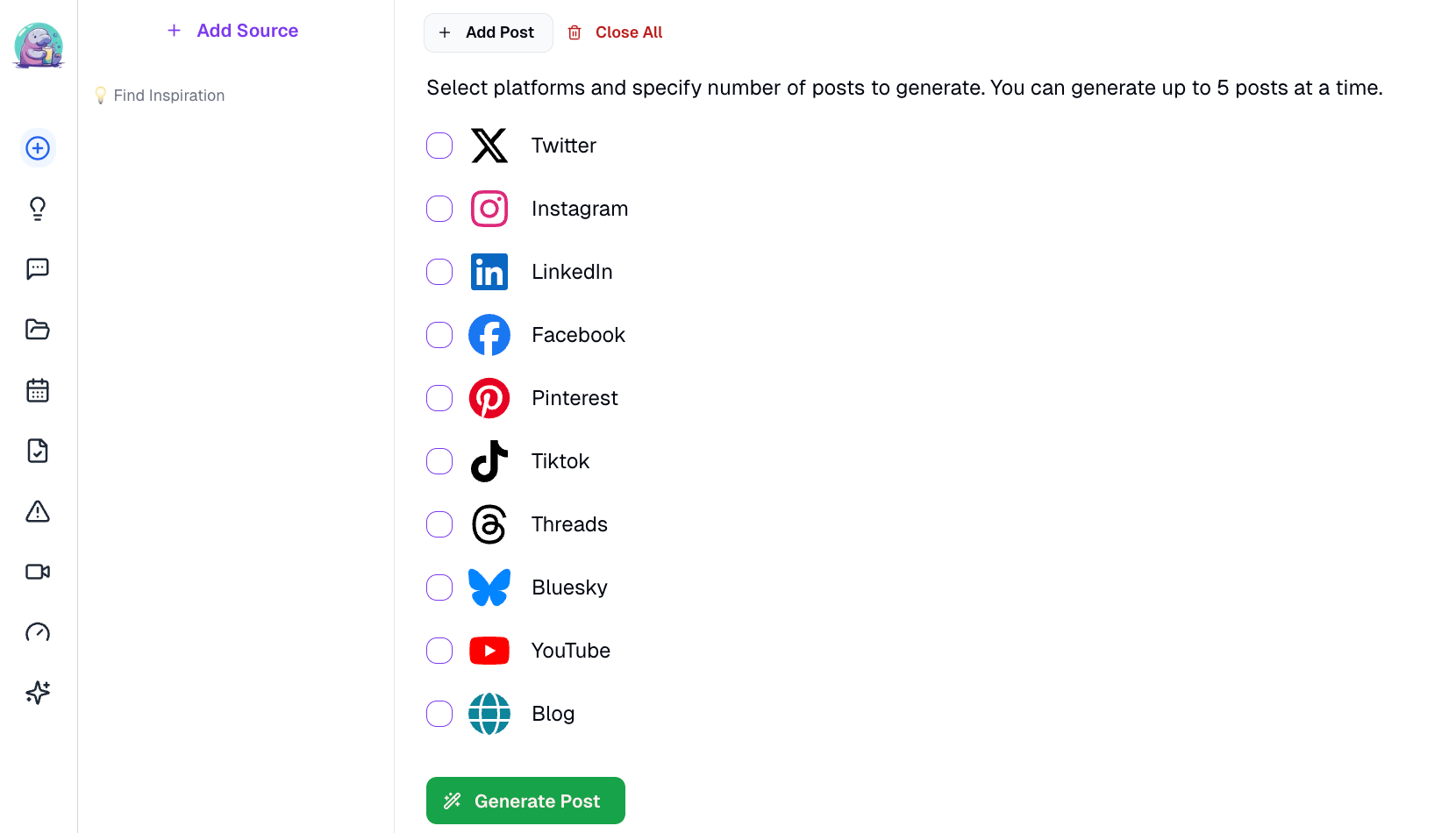
- Blotato (posting)
- n8n (orchestration)
 igordisco

Flow:
- n8n checks approved rows
- Sends posts to Blotato
- Blotato publishes in sequence
- Status updates automatically
Creators never manually post.

9. Activate the Algorithm (Human Layer)
Posting alone does nothing.
Interaction is the signal.
Daily (15–30 min):
- Reply to comments
- Leave 5–10 thoughtful comments on aligned creators
- Reflections only, no pitching
Monthly:
- Review what resonated
- Double down on clarity, not volume
This is how algorithms learn who you are for.
THE WHOLE SYSTEM, IN ONE LINE
Say something true → extract the signal → let systems distribute → let humans connect.
You are not becoming a content machine.
You are letting truth travel further, without burning out.
✅ Content Automation Tools Checklist
What you need (and why)
This system is designed so you focus on creation, not posting or managing platforms.
You do not need everything on day one.
Start with the essentials. Add layers only when ready.
🧠 CORE FOUNDATION (REQUIRED)
These tools form the minimum viable system.
☐ Personal Recording Tool
Used to capture your raw voice and ideas.
Options:
- Zoom – https://zoom.us
- Your phone’s native camera
You are not performing.
You are speaking naturally.
☐ Clip Extraction Tool
Used to find the strongest moments from long recordings.
- Opus Pro
https://www.opus.pro
Purpose:
Turn one long recording into multiple short, high-signal clips.
☐ Editing Tool (Choose One Path)
DIY option
- CapCut
https://www.capcut.com
Delegation option
- A human video editor
- Or AI-assisted editing, guided by your brand assets
Rule:
Clarity matters more than polish.
☐ Asset Storage (Source of Truth)
- Google Drive
https://drive.google.com
Used for:
- Raw clips
- Final videos
- Photos and brand assets
- Brand_Essence.txt
This is where everything lives.
📊 CONTROL & ORGANIZATION (REQUIRED)
☐ Metadata Spreadsheet
Used to control captions, order, and automation.
Choose one:
- Google Sheets
https://sheets.google.com - Microsoft Excel
https://www.microsoft.com/excel
This spreadsheet is your command center.
🤖 AUTOMATION & DISTRIBUTION (RECOMMENDED)
These tools remove manual posting and mental load.
☐ Scheduling & Publishing Tool
- Blotato
https://www.blotato.com
Used to:
- Schedule posts across platforms
- Maintain consistency without effort
Posting alone does not drive growth.
Consistency + interaction does.
☐ Automation Orchestrator (Set Up Once)
Used by:
- A tech or automation specialist
Purpose:
Automatically move content from Drive → Sheet → Blotato.
You do not need to touch this yourself.
📱 PLATFORMS (DESTINATIONS)
Choose one primary platform to focus on for 90 days.
- TikTok – https://www.tiktok.com
- Instagram – https://www.instagram.com
- YouTube – https://www.youtube.com
You can post everywhere.
You optimize for one.
🧩 OPTIONAL SUPPORT TOOLS (ONLY IF NEEDED)
These help when working with a team.
☐ Team Communication
- Slack
https://slack.com
☐ Video Review & Approvals
- Frame.io
https://frame.io
🧭 QUICK START (MINIMUM SETUP)
If you want the simplest possible start, you only need:
☑ Zoom or phone camera
☑ Opus Pro
☑ CapCut or an editor
☑ Google Drive
☑ Google Sheets
☑ Blotato
Everything else can come later.
REMINDER FOR CLIENTS
You are not trying to “keep up with content.”
You are:
- Saying something true
- Letting systems distribute it
- Letting humans connect with it
🧩 Who Sets This Up?
Responsibility & Ownership Chart
This system works because each person does one job well.
Creators stay in creation.
Systems handle distribution.
Support roles keep it running.
👤 CREATOR (YOU)
Primary focus: Voice, truth, and message
You are responsible for:
- Defining one offering, one audience, one message
- Recording raw content (new or existing)
- Approving final edited videos
- Showing up for light human engagement (or delegating it)
You do not:
- Manually post content
- Manage automation tools
- Optimize algorithms
Your job ends when truth is expressed.
🎬 VIDEO EDITOR
(Human or AI-assisted)
Primary focus: Clean, calm polish without changing voice
Responsible for:
- Editing clips from Opus Pro outputs
- Adding captions and light visual cleanup
- Respecting Brand_Essence.txt
- Exporting final videos
- Uploading finished files to Google Drive
They do not:
- Rewrite your message
- Add hype, hooks, or trends
- Decide posting strategy
🤖 TECH / CONTENT AUTOMATION SPECIALIST
(Set up once)
Primary focus: Systems, not content
Responsible for:
- Setting up Google Drive folder structure
- Creating or finalizing the metadata spreadsheet
- Building n8n workflows
- Connecting Drive → Sheet → Blotato
- Testing automation and error handling
They do not:
- Create content
- Write captions (unless asked)
- Manage daily engagement
This role is one-time setup + light maintenance.
📅 CHANNEL MANAGER or VA
(Optional but recommended)
Primary focus: Human interaction & consistency
Responsible for:
- Replying to comments
- Leaving 5–10 thoughtful comments per day on aligned creators
- Updating post status if needed
- Flagging high-performing content
They do not:
- Sell in comments
- Change messaging
- Touch automation logic
This role activates the algorithm through relationship, not volume.
THE SYSTEM (AUTOMATED)
Primary focus: Distribution without friction
Handled by:
- Google Drive
- Google Sheets / Excel
- n8n
- Blotato
The system:
- Reads approved content
- Schedules posts in sequence
- Publishes across platforms
- Updates status automatically
No emotions. No burnout. No forgetting.
🔁 AT A GLANCE (SUMMARY)
| Role | What They Do | What They Don’t Do |
|---|---|---|
| Creator | Record & approve | Post, automate, chase trends |
| Editor | Polish & export | Change message |
| Automation Specialist | Build system | Touch content |
| VA / Manager | Engage & reflect | Sell or strategize |
| Automation | Distribute | Replace humans |
KEY REMINDER FOR CLIENTS
If you’re overwhelmed, it usually means you’re doing someone else’s job.
This system works when:
- You stay in creation
- Others stay in their lanes
- Automation carries the load